
Commercial Audio and Video Systems in Phoenix
Connect business displays, sound and source controls in a commercial AV system planned for your rooms, staff and daily use.

Audio Equipment
Business AV Designed Around the Space
A lobby needs visible information and comfortable sound. A training room needs clear speech and readable content. A restaurant or fitness space may need different music and video across several areas. Defining those uses first helps create a commercial AV system staff can operate effectively.
Audio Video by Design plans and installs commercial AV systems for Phoenix area businesses, serving Scottsdale, Glendale, Peoria and Surprise from our Peoria, Arizona office. We help connect the sources, speakers, displays and controls needed for your particular rooms.
We review room dimensions, audience positions, background noise, infrastructure and daily routines. Those details shape a clear scope and practical controls for the employees who will use the system.
Commercial AV for Different Business Uses
A useful design makes distinctions between spaces. The sound that suits an active fitness floor may be inappropriate at a reception desk. The display content used in a training room may require a different viewing setup from a lobby welcome screen. We document those differences before selecting equipment.
Offices and training spaces
Support presentations, staff briefings and shared viewing with defined inputs, readable displays and speech-focused sound. Room layout and the content people need to read guide the design.
Retail and hospitality
Plan music and video around customer areas, staff tasks and hours of use. Separate zones can allow different levels or sources where the business requires them.
Fitness and shared facilities
Consider ambient noise, moving audiences and the distinction between music, instructor speech and video playback. Equipment access and staff control should suit the space’s daily routine.
Coordinate the Sound, Picture and User Experience
A commercial system may combine background music, microphones, presentation inputs, televisions or information displays. Each function places different demands on the equipment. We define which sources reach which rooms, whether volume needs separate zones and who controls the content.
Displays and sound are planned together with signal paths, power, mounting and service access. If your project centers on meetings and hybrid collaboration, our boardroom installation and control service covers that room-specific planning. Schools and athletic facilities can explore K–12 school AV and athletic sound systems for campus and sports-space considerations.
Sound Coverage and Zones That Make Sense
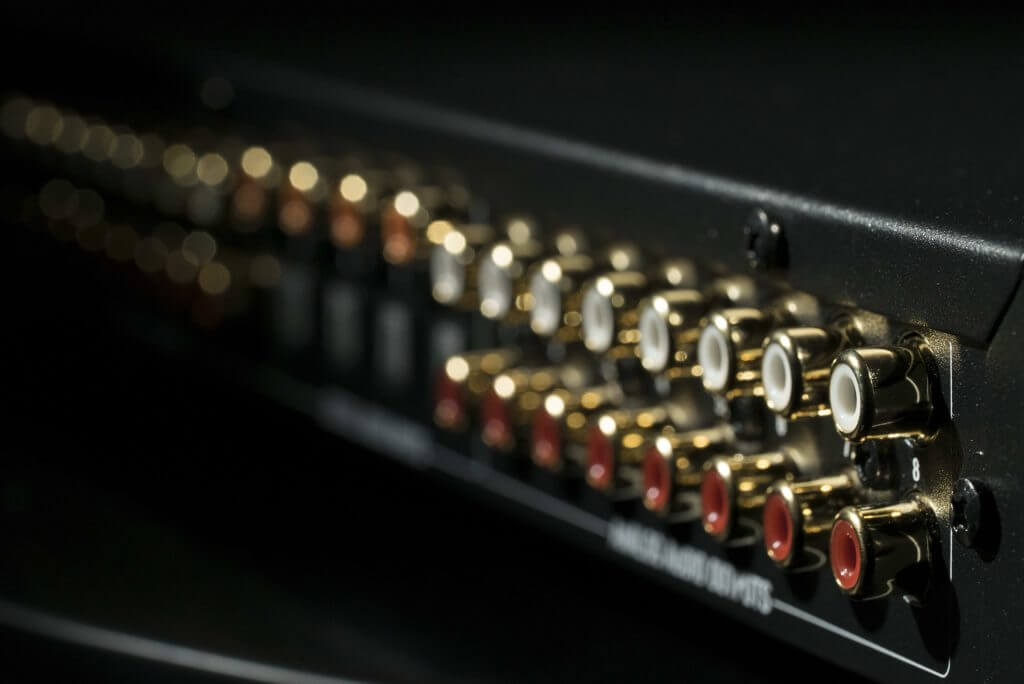
Commercial sound design starts with coverage. We review listener locations, ceiling height, noise and reflective surfaces to determine how speakers should serve the area. A system that is loud near one speaker and hard to hear farther away needs a different approach from simply adding amplifier power.
Zones can separate a lobby, sales floor, patio or training room, allowing staff to choose the appropriate source and level for each area. Microphone use introduces additional placement and feedback considerations. If room acoustics limit clarity, we identify that concern and discuss coordination for appropriate treatment rather than treating sound processing as a cure for every reflection.
Displays, Projection and Video Distribution
Screen size, viewing distance, content detail and available light help determine the right display approach. A large television may suit a compact room, while another space may call for projection or several viewing locations. Mounting height should support useful sightlines while accounting for the room layout.
We plan how video travels from the agreed sources to each display and whether screens should show shared or separate content. Existing source equipment, cable routes and supported connections need review. For window-related glare, our commercial motorized shade service can be coordinated with the AV project.
Keep Everyday Operation Clear
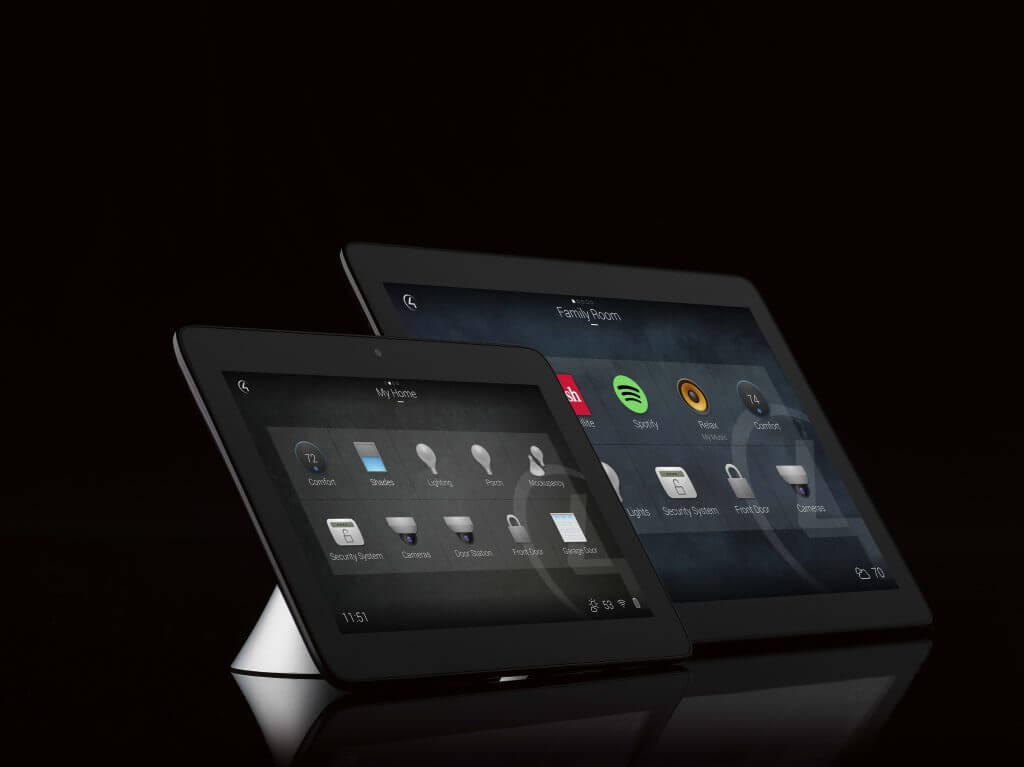
Employees should be able to start the system, choose a source, adjust the appropriate volume and shut down without knowing what is inside the equipment rack. We define normal tasks first, then select the controls needed to perform them.
Depending on the agreed system, that may mean labeled wall controls, a touch interface or a few named presets. Management controls can be separated from everyday adjustments where supported. The scope should also clarify content ownership: who updates a display, manages a player, maintains accounts or supplies a licensed source. Equipment integration does not automatically supply subscriptions, business music rights or the content itself.
Power, Cabling and Network Coordination
Reliable AV depends on the infrastructure behind the room. We review equipment locations, ventilation, mounting support, signal routes and access for service. Existing cabling may be reusable after evaluation, while other routes may need replacement or additions.
Network-connected audio, video or controls require coordination with your IT contact. Device addresses, switch capacity, network segmentation and internet needs depend on the selected equipment; they should be identified before deployment. Our commercial network and Wi-Fi service can help align the infrastructure scope. Electrical, structural and finish work are coordinated with the responsible project partners.
Define Priorities Before Choosing Equipment
A focused scope makes it easier to compare proposals and decide what to do first. Identify the rooms, the sources and the tasks that matter most. Include known pain points, such as staff struggling to switch inputs or customers hearing uneven sound.
Core operation
List the essential functions for opening day: music zones, microphone locations, presentation inputs, screens and normal controls. Identify which features are optional or suitable for a later phase.
Existing equipment
Share model numbers and photographs of displays, amplifiers, speakers, control panels and racks. Reuse is assessed by condition, capacity and compatibility with the proposed system.
Project responsibilities
Confirm who supplies source accounts and content, approves mounting, provides network access and handles related trades. Include occupied-space restrictions, target dates and staff training needs.
Installation, Testing and Staff Handover
After the design and responsibilities are agreed, installation follows the approved room and infrastructure plan. We coordinate building access and work areas with your project contact. Equipment placement and cable management should preserve access for future service.
Commissioning checks the agreed sources, display routes, sound zones and controls. Where conferencing is included, a call test helps evaluate the experience at both ends. We walk staff through normal operation, source changes and shutdown, and clarify the information they will need for support. A practical handover includes the room’s actual workflow, so employees can use the system after the installation team leaves.
Plan a Phoenix Area Commercial AV Project
Share your rooms and current AV problems. We serve offices and commercial spaces in Phoenix, Scottsdale, Glendale, Peoria and Surprise.
Reach Audio Video by Design at (480) 242-6459 or sales@avbydesign.com, or use our contact form to share photographs and project information. Explore commercial services for related controls, networking and building integration.








Testimonials
What Our Customers
Say About Us
Commercial Audio and Video FAQs
Can one commercial sound system serve several areas?
Yes, a system can be designed with separate zones where appropriate. We need to know whether areas require shared music, different sources, independent volume or microphone announcements. Those decisions affect speaker circuits, processing, amplification and the controls staff use.
Can you reuse our existing speakers or displays?
Possibly. We review condition, model information, location and compatibility with the proposed system. Existing equipment is useful only if it can support the intended operation. The proposal should clearly distinguish retained equipment from new equipment and any limitations that remain.
Should we choose a projector or a large display?
That depends on audience positions, content detail, room light, available mounting and use. We review how the room will be used before selecting an approach. Projection also requires planning for the screen, projector location and control of ambient light.
Can staff control music and screens from one interface?
Compatible equipment can be coordinated through an agreed control system. We define the required tasks and supported functions first. A simple interface may be appropriate for a small space, while a larger installation may need room-specific controls and management permissions.
Do commercial AV systems need network changes?
Some do. Networked devices may need specific switch features, capacity, settings or internet access. Other systems can use dedicated signal paths. We review the selected equipment with your IT contact so network responsibilities are included in the installation plan.
How do we start planning an AV upgrade?
Send a room list, photographs and a description of what is difficult today. Tell us which equipment you hope to retain, who operates it and your intended project timing. A site review then helps turn those priorities into an equipment, infrastructure and installation scope.
Answers to common questions as you plan your project.
Phone Number
(480) 242-6459Office Address
30249 N. 124th Lane,
Peoria, AZ 85383
SEND US A MESSAGE


