
Boardroom AV Installation and Control in Phoenix
Build a meeting room around clear conversation, readable presentations and controls your team can use. Audio Video by Design plans commercial boardroom technology around your space, meeting platforms and daily workflow.

Room Control Interfaces
A boardroom that supports the meeting
Executive meetings, client presentations and hybrid discussions place different demands on the same room. A slide must be readable from the far end of the table. A remote participant needs to hear a colleague who turns toward someone nearby. A visiting presenter needs a clear way to share a laptop without changing the room's configuration.
Audio Video by Design helps Phoenix businesses bring those requirements into a coordinated boardroom installation. The design considers the displays, microphones, speakers, cameras, connections and control interface together, along with furniture, lighting and the existing network.
Start with the meetings you actually hold, the platforms your organization supports and the problems people encounter today. That brief establishes what the room needs to do and gives everyone a practical basis for reviewing equipment, installation scope and acceptance.
Make the smallest important detail readable
Choose a display using the content and seating layout. A room used for reviewing spreadsheets or detailed plans needs a different viewing assessment from one used mainly for video calls. Screen diagonal alone does not establish whether a number or label will be readable from every required seat.
Review the farthest viewer, side seats, display height and obstructions before selecting mounts. Consider a second display when people need to see shared content and remote attendees together. Camera placement and daylight should be part of that discussion: a strong window behind a presenter can make faces difficult to see. Compare the proposed layout with representative meeting content.
Plan audio for every occupied seat
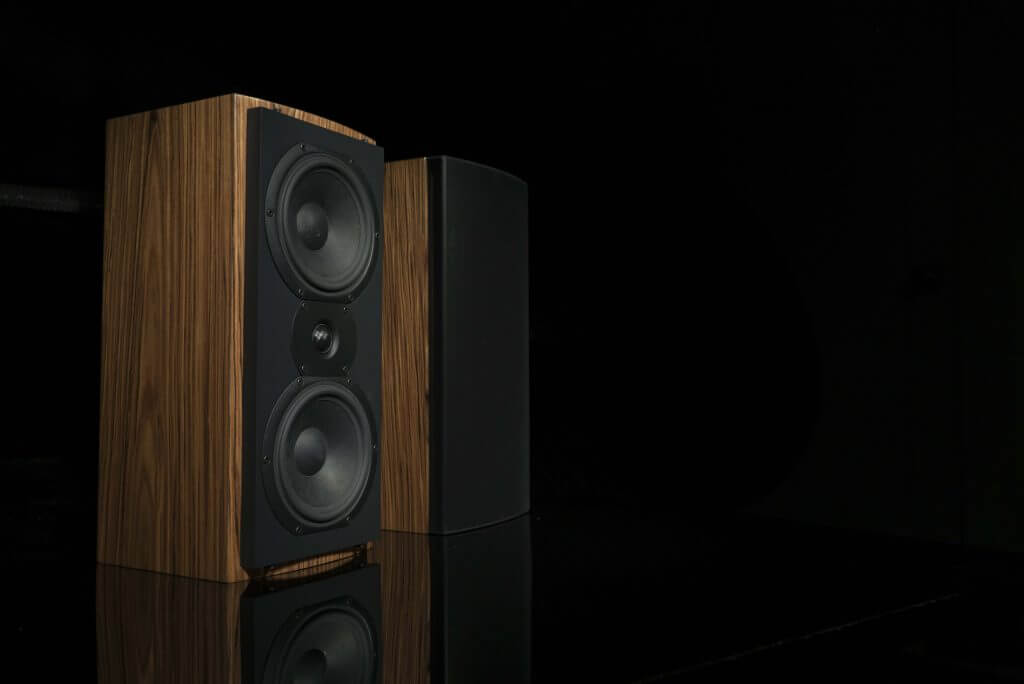
Microphone coverage should follow where people speak, including the head of the table, side seats and a standing presentation position. Table microphones, ceiling arrays and integrated conferencing bars have different coverage and installation requirements. The right arrangement depends on room size, furniture and the devices supported by the conferencing system.
Glass, hard tables and noisy ventilation can affect speech pickup. Audio processing, including acoustic echo cancellation, helps manage a conference call’s audio path; it does not remove the need to address the room itself. Speaker placement and levels also matter. Evaluate a live call with a listener outside the room rather than judging the sound only from inside.
Connect the room, the platform and the people
A dedicated room system and a room that connects to each presenter's laptop offer different experiences. The choice affects meeting invitations, accounts, compatible peripherals and staff training.
The installation plan should identify those dependencies before equipment is ordered. Include your IT team early so network access, room accounts, licensing and device administration are ready when the physical installation is complete.
Give presenters a clear starting point
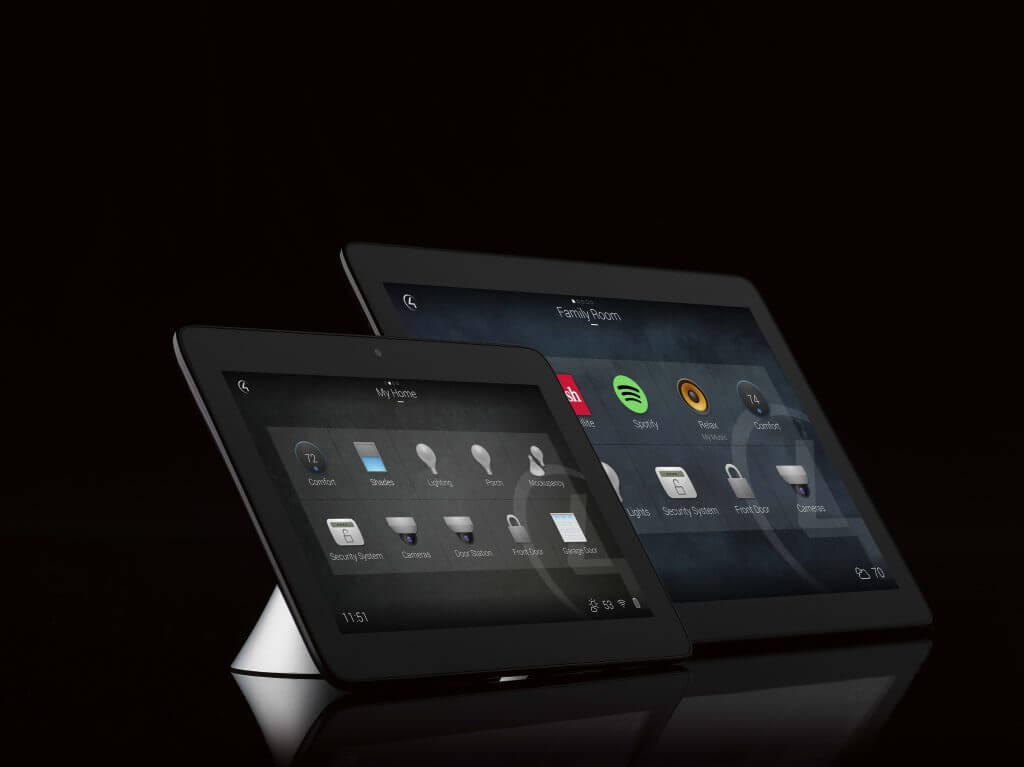
The control interface should reflect familiar tasks: start a meeting, present a laptop, adjust volume, mute microphones and finish. Agree on what each command does, how the active source is shown and what users should see if a device or online service is unavailable.
Wired presentation connections provide a defined path for visitors; wireless sharing may be convenient when the chosen platform, network policy and visitor devices support it. Confirm the required adapters and permissions. If lighting or shades are included, specify the supported integration and the behavior of each scene. Avoid adding controls for functions nobody needs during an ordinary meeting.
Set the room requirements before choosing products
A useful proposal explains the meeting experience and its dependencies. Bring these decisions to the planning conversation.
Meeting platforms and visitor use
List the services your organization uses and the outside meetings staff must join. Dedicated room systems may require room accounts, licenses and platform-specific configuration. Agree on a visitor presentation method and test the required combinations; support for one platform does not establish identical features on every other platform.
Room layout and construction
Share plans, seating counts and any planned furniture changes. Confirm table connections, cable pathways, mounting support, power and equipment access. Identify who handles electrical work, wall repair and acoustic treatments. In a finished office, those responsibilities can affect disruption and installation timing as much as the equipment does.
Budget and room standards
Separate essential meeting functions from optional additions. If several rooms are involved, consider a consistent control vocabulary while sizing equipment for each space. Ask the proposal to identify included programming, training, subscription requirements and exclusions so you can compare complete scopes rather than display and camera prices alone.
Verify a complete meeting before handover
Commissioning should follow an agreed checklist and include someone participating remotely. The room is ready for staff when the specified workflows have been demonstrated and any open issues are documented.
Install and coordinate
Sequence cabling, mounts and equipment around room access and construction readiness. Coordinate network configuration with the authorized IT contact. Label service connections and leave access to equipment that needs adjustment or replacement. Check that installed connections suit the agreed laptop and conferencing paths.
Test the meeting workflow
Join a scheduled meeting, share the representative content and speak from the required seats. Check camera framing, remote audio, microphone mute indication and source changes. Test the planned shutdown and restart behavior. Record restrictions or dependencies that could affect visiting presenters or meetings hosted on another platform.
Train the people who support it
Walk staff through the everyday controls and a simple first-response checklist. Establish who owns administrative accounts, configuration records and future software updates. Explain how to report a problem with the room name, meeting platform and observed symptom, and confirm any ongoing service separately in the agreed scope.
Coordinate your Phoenix-area boardroom project
From its Peoria office, Audio Video by Design works with businesses in Phoenix, Scottsdale, Glendale, Peoria and Surprise. Share your office location, room plans and target installation window so access, furniture deliveries and the IT team’s availability can be considered together.
A boardroom upgrade often requires decisions from facilities, IT and the people who organize meetings. Bringing those contacts into the conversation helps establish one agreed scope. For a new space, discuss infrastructure before finishes are closed. For an occupied office, identify the meetings and business activities the installation schedule must accommodate.








Testimonials
What Our Customers
Say About Us
Boardroom installation and control questions
Can our existing display stay?
Possibly. Its condition, image size, inputs and supported resolutions need to suit the proposed room. Check readability using your actual content and review compatibility with the selected system. Existing equipment can reduce replacement work, but keeping a component should not compromise an essential meeting function.
Should we use a dedicated room system or a laptop?
A dedicated system can give staff a consistent room interface and calendar workflow. A laptop-based approach lets the presenter supply the meeting application but requires compatible connections and device selection. Compare your meeting platforms, guest use, administration and preferred workflow before deciding.
Will a ceiling microphone fix echo?
A ceiling microphone is a placement option, not an acoustic treatment. Its performance depends on coverage, room reflections, noise and the complete audio design. A room assessment may identify changes to surfaces, speaker placement or processing alongside the microphone selection. Test the result with a remote listener.
Can one panel control the whole room?
A compatible control system can combine agreed functions such as displays, sources and volume. Additional devices need supported control methods and defined programming. Specify the tasks you want on the panel, which settings remain with administrators and what happens when a connected device is unavailable.
Does the room need a wired network connection?
Review the chosen conferencing system's requirements with IT. A wired connection is often preferred for a fixed room system; Microsoft recommends it for Teams Rooms. Wireless use needs a suitable design and compatible configuration. Internet capacity, firewall access and service availability still affect online meetings.
What should we send for a project discussion?
Send room dimensions, seating and equipment photos, current meeting platforms, the presentation devices staff use and the problems you want solved. Include plans if construction is underway and identify your IT contact. This information helps establish the next assessment steps and a useful installation scope.
Phone Number
(480) 242-6459Office Address
30249 N. 124th Lane,
Peoria, AZ 85383
SEND US A MESSAGE


