
Commercial Network and Wi-Fi Installation in Phoenix
Plan the connections your business depends on, from workstations and conference rooms to wireless devices. Audio Video by Design coordinates commercial network infrastructure around coverage, capacity, access requirements and the way your space operates.

Wireless Access Points
Build a network around your business activities
A connection problem may appear during a video call, at a desk far from an access point or when several people arrive for a meeting. Those symptoms do not necessarily have the same cause. Internet service, wired links, radio interference, device capabilities and network configuration all influence the experience.
Audio Video by Design helps Phoenix businesses plan the network infrastructure that connects commercial AV and everyday devices. The process starts with the building, existing equipment, applications and the number of people using the space, then connects those requirements to a practical installation scope.
For an existing network, describe where and when problems occur before replacing equipment. For a new office or renovation, establish outlet locations and cable routes while access is available. Your IT provider should participate in decisions about business applications, authentication and access policies.
Find the limiting connection before buying equipment
Record the affected application, device, location and time. A problem experienced by every user differs from one confined to a room or laptop. Comparing wired and wireless use can narrow the investigation, while reviewing the Internet service and intermediate equipment identifies limits beyond the access point.
Bring network diagrams, provider details and equipment model numbers. Identify unmanaged changes such as an added router or relocated access point. Document what is installed, which conditions need improvement and what can be reused. A single speed test is useful evidence, but it is not a complete business network assessment.
Plan Wi-Fi coverage and capacity separately
Coverage asks where devices can connect. Capacity asks whether the design supports the expected simultaneous activity there. A training room filled with laptops has different demands from a corridor, even if both show a strong signal.
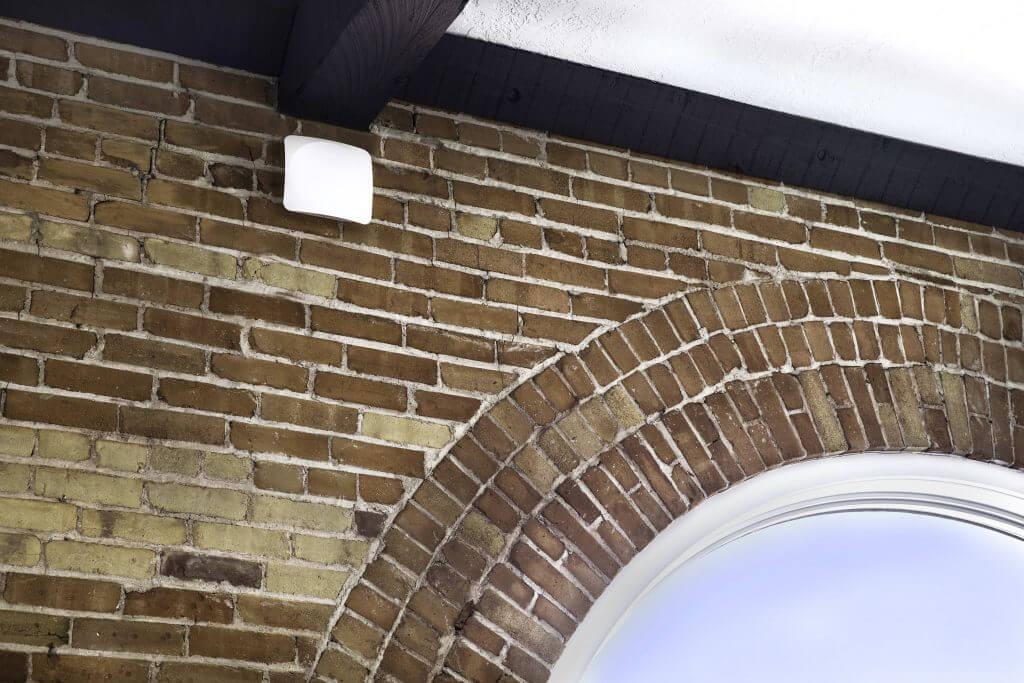
Access point placement should consider walls, neighboring wireless activity and required device locations. Survey information guides placement and radio settings beyond an access point count based only on square footage. Client devices’ supported bands and capabilities affect the options too. Check the installed network in the required work areas and revisit requirements when occupancy or the layout changes.
Treat wired and wireless connections as one design
Wi-Fi access points need a suitable connection to the rest of the network. Fixed systems also need planned switch ports, cable routes and power. Buying a faster wireless product does not resolve a restricted uplink or an Internet service issue.
A coordinated design identifies which devices belong on wired connections, where wireless access is required and how the proposed infrastructure will be administered.
Provide a serviceable wired foundation
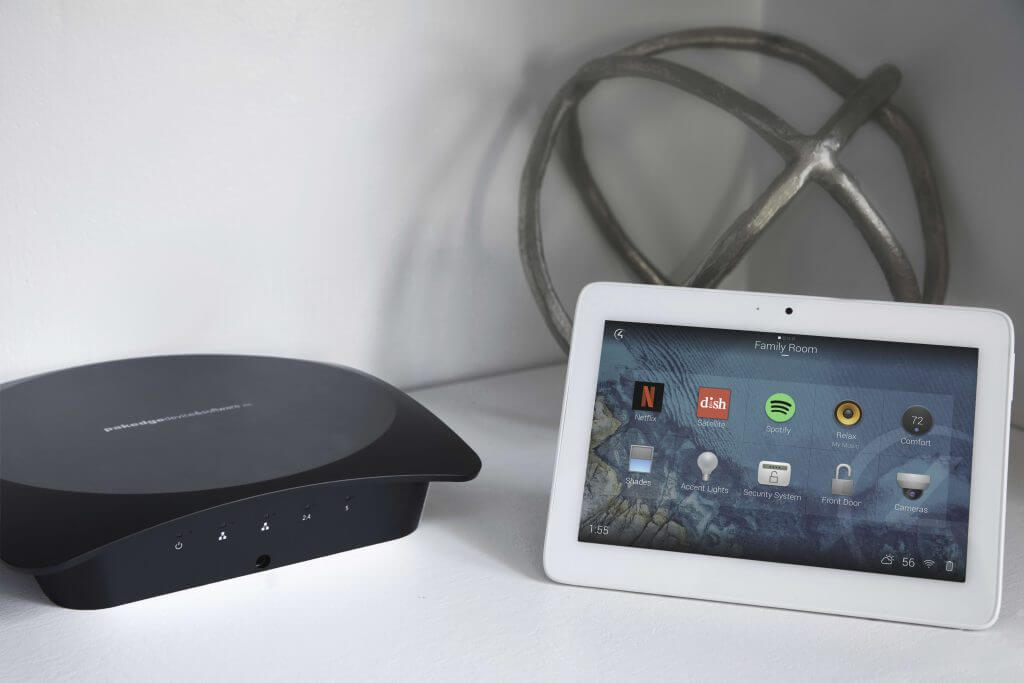
Consider wired connections for fixed conference systems, control equipment and other devices with suitable Ethernet interfaces. Plan cable pathways and outlet locations alongside desks, displays and equipment racks. Labeling both ends and recording port assignments makes later moves and troubleshooting easier.
Switch selection involves more than the number of sockets. Review uplinks, management requirements and the power needs of devices using Power over Ethernet. The supported power type, individual port capability and total switch power budget all need to suit the connected equipment. Cabinets also need ventilation and service access. Any backup power should have a defined purpose and expected runtime; it cannot keep an unavailable Internet provider online.
Agree on access and responsibility with IT
The physical installation and the organization’s network policies need to fit together. Identify an authorized IT decision-maker before configuration changes are made.
Separate devices by their role
Staff computers, AV devices and visitors may need different access. Network segments can support that separation, but their routing and firewall rules determine permitted communication. Document necessary exceptions, including presentation sharing or control traffic, so isolation does not unintentionally disable the agreed workflows.
Set account and administration ownership
Agree who controls network administration, wireless credentials, configuration backups and equipment updates. Use the organization's approved authentication approach and define which access an installer needs. Establish how credentials and records will be handed to the authorized owner when installation is complete.
Keep visitors on a defined access path
Guest access should have its own rules rather than sharing staff credentials. Decide whether guests need Internet only or limited access to a presentation service. A guest portal, time limits and visitor assistance are separate planning topics, covered in the managed guest network service.
Make installation and acceptance measurable
Define the work areas, applications and devices used for acceptance before installation begins. The test plan should reflect your business requirements and the equipment being supplied.
Survey and document the scope
Review available routes, existing cable condition and the network equipment location. Identify coverage areas, expected device counts and proposed access point positions. State the included cabling tests, wireless validation and configuration responsibilities, together with assumptions that depend on building access or the Internet provider.
Install in an agreed change window
Plan any service interruption with the business and its IT provider. Record the existing configuration before approved changes, label new connections and keep the installation sequence clear. Confirm which changes need a rollback plan and who will authorize returning the network to normal use.
Check the applications people use
Validate the specified cable links and wireless locations, then check representative tasks such as a conference call or approved AV control. Where movement matters, test with the actual mobile devices. Record test conditions and unresolved limitations so the result is more useful than an isolated headline download speed.
Plan your local installation and the next change
From its Peoria office, Audio Video by Design works with businesses in Phoenix, Scottsdale, Glendale, Peoria and Surprise. Share the building location, landlord requirements and office schedule to coordinate cable access and installation.
At handover, retain equipment names, port labels, configuration ownership and test records. Identify who handles updates and future moves. Define any required monitoring, recurring administration and response arrangements. Adding desks, cameras or a busy meeting area may change capacity and power requirements; keep network records current as the business grows.








Testimonials
What Our Customers
Say About Us
Commercial network and Wi-Fi questions
Will a faster Internet plan solve poor Wi-Fi?
Only if Internet capacity is the limiting factor. Wireless coverage, interference, network equipment and client devices can cause problems even with a faster service plan. Compare the affected locations and applications, including wired performance where possible, before deciding which part of the connection needs improvement.
How many access points does an office need?
The answer depends on the building materials, layout, required coverage, applications and simultaneous devices. Square footage is a starting input, not a complete design method. Placement and radio settings matter as well as quantity. Review the work areas and survey requirements before choosing an access point count.
Can we keep existing network cables?
Existing cabling may be reusable when its condition and tested performance suit the required connection. Review routes, terminations and labeling before relying on it. Agree which tests are included and whether inaccessible or damaged runs need replacement. Reuse should be evaluated connection by connection rather than assumed throughout the building.
Can you work alongside our IT provider?
Bring your IT contact into the project discussion. They can establish business access policies, account requirements and approved changes while the installation scope addresses the agreed infrastructure. Define each party's responsibilities before work begins, especially for firewall settings, application support and ongoing administration.
Should AV equipment have its own network segment?
That depends on the devices, control methods and your IT policy. Segmentation can limit unnecessary access, but required connections still need suitable rules. Review device discovery, presentation sharing and controller communication before deciding. The approved design should document what communicates across segments and why.
Does installation include ongoing monitoring?
Specify ongoing monitoring and support in the proposal. Identify the equipment, account access, notification recipients and response arrangements you require. Confirm any recurring service and response commitment separately from installation. Keep the Internet-provider support path documented as well.
What information helps start the project?
Provide a floor plan, device and user counts, existing equipment details, Internet service information and the locations where performance matters most. For troubleshooting, include when problems occur and which applications are affected. Identify construction deadlines, permitted work windows and the person authorized to approve network changes.
Phone Number
(480) 242-6459Office Address
30249 N. 124th Lane,
Peoria, AZ 85383
SEND US A MESSAGE


