
Managed Guest Wi-Fi Networks in Phoenix
Give visitors a clear way to connect while defining how guest devices access your network. Audio Video by Design plans guest Wi-Fi around your venue, expected demand, access policies and the staff who help visitors.
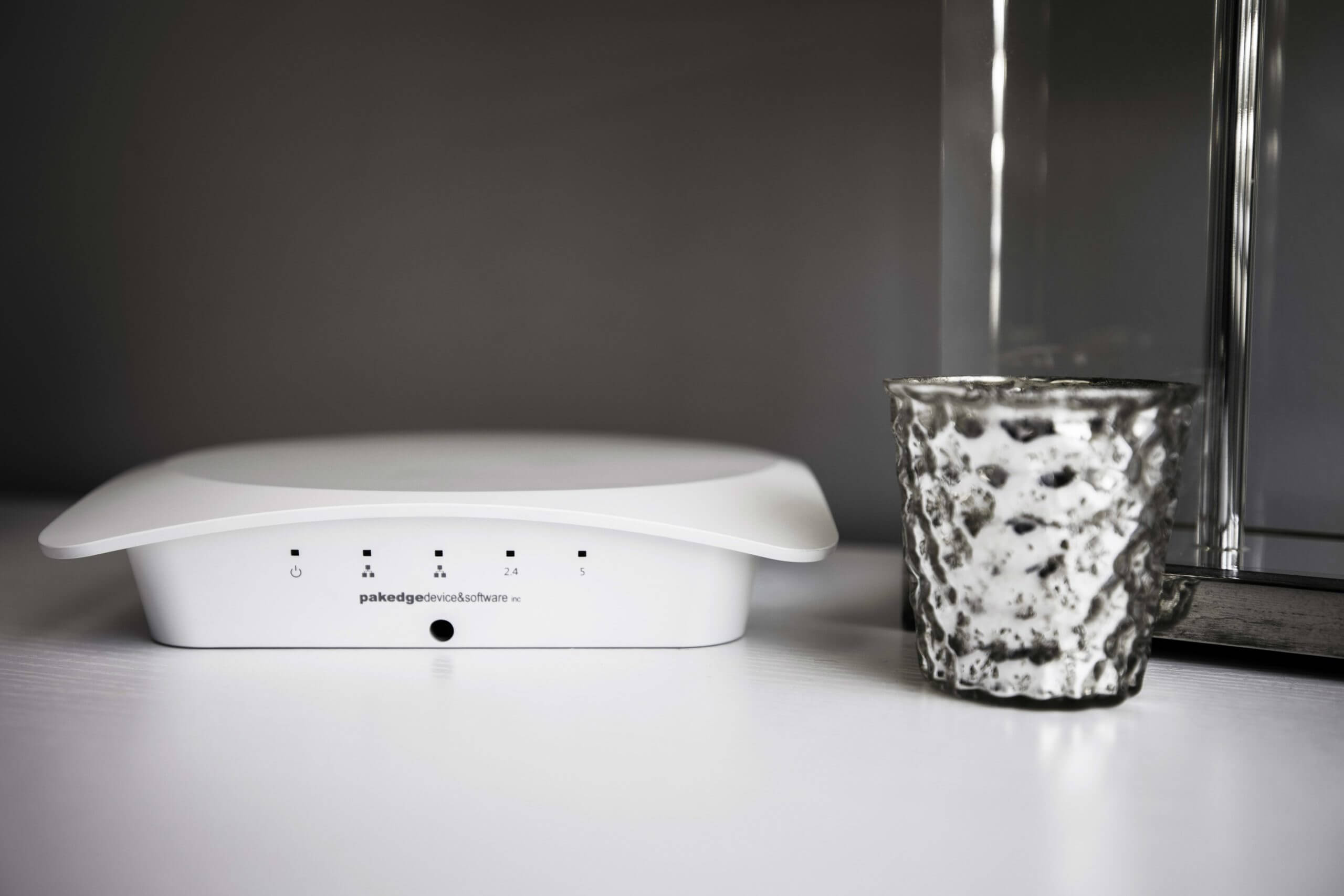
Guest Wi-Fi Equipment
Visitor access designed for your space
A visitor should be able to find the correct network and understand the next step. At the same time, a business needs clear boundaries between guest devices and the systems used by staff. A separate network name is only one part of that arrangement; configuration and access rules determine what guests can reach.
Audio Video by Design helps Phoenix businesses plan managed guest networks for reception areas, meeting spaces and other approved visitor locations. The scope considers the joining experience, wireless demand and the administration needed after installation.
Start by identifying who visits, how long they stay and what they need to do online. A short client meeting, a recurring tenant and a large event have different access and capacity requirements. Those details help establish the appropriate login method and a workable plan for staff assistance.
Set the boundary between guests and business systems
Plan guest devices on a defined network segment with rules limiting access to internal resources. A different Wi-Fi name does not establish that boundary. The gateway, switches and wireless configuration need to carry the intended policy through the connection.
Network separation limits access to other networks; guest-to-guest isolation restricts communication between visitors where supported and configured. Review required functions such as presenting to a meeting-room display. Any exception should be narrow, approved and tested. Configuration reduces exposure, but it does not guarantee protection against every device or online threat.
Choose a joining method visitors can complete
A shared guest password may suit a small reception area when staff have a defined way to change it. Time-limited vouchers can provide a different approach for scheduled visitors. A captive portal can present a welcome page or an access step, depending on the selected platform’s capabilities.
Every extra step should have a clear purpose. Test the experience on representative phones and laptops, including return visits and expired sessions. Some devices cannot interact with a browser-based portal, so do not assume that a visitor’s connected accessory will work. If the business collects visitor information, have its policy owner define the purpose, approved wording and retention before those fields are enabled.
Define the guest experience and its boundaries
A guest network combines wireless coverage with policies for access, session duration and permitted services. A welcome page may explain joining steps or present terms; it does not replace the underlying network controls.
The design should also distinguish installation from ongoing administration. Agree who handles credentials, configuration changes, guest assistance and any requested monitoring rather than leaving those responsibilities implicit.
Design for the busy part of the day
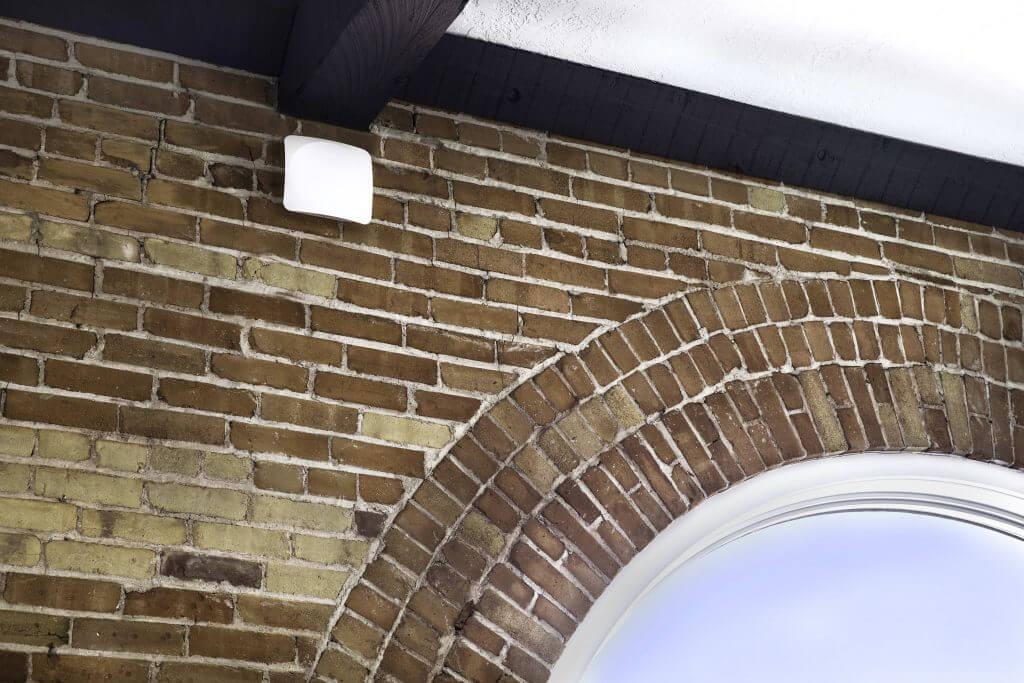
Estimate concurrent devices rather than counting people alone. Visitors may carry a phone and laptop, while an event concentrates activity in one room. Map the intended guest coverage areas.
Wireless capacity and Internet capacity are separate constraints. Access point placement, surrounding radio activity and the shared Internet connection affect the experience. Speed limits can help distribute guest use, but restrictive settings can make an expected task frustrating. Test a representative visit and discuss peak demand before selecting limits. Larger events may require a separate capacity review.
Write down the rules staff need to administer
Guest network management works better when its routine decisions are made before opening the network to visitors.
Access duration and approval
Decide who can issue access, when it expires and what happens on a return visit. Consider whether reception staff need a simple voucher workflow or an administrator should control changes. Match permissions to those responsibilities and document the approved way to revoke or renew access.
Permitted services and fair use
Identify whether visitors need Internet only, business presentations or another specific service. Set any bandwidth or session limits against those tasks. Have the business approve acceptable-use wording and requested filtering. Explain that filtering is a configurable control with limitations, not a guarantee that every unwanted destination will be blocked.
Guest information and records
Determine what records the platform keeps and who may access them. Have the policy owner approve any information collected, notices and retention settings. Keep marketing choices separate from connection troubleshooting and review the portal experience before launch.
Test the visitor journey and the access controls
Agree on acceptance checks for both the visible joining experience and the network behavior behind it. A welcome page loading successfully is only one check.
Confirm infrastructure readiness
Review coverage areas, access point connections and the gateway's supported guest controls. Coordinate changes with the authorized IT contact and document network assignments. Verify that the equipment and any portal service can support the proposed access method before announcing it to staff or visitors.
Check joining and expiration
Connect representative phones and laptops, follow the portal or password steps and perform the expected online tasks. Check failed or expired access, reconnection and staff-issued credentials where used. Record devices or situations that require a different approved method instead of promising universal portal compatibility.
Verify separation and exceptions
Test that guest devices cannot reach the internal destinations prohibited by the policy. Check guest-to-guest restrictions where required and any approved presentation exception. Record the checks and configuration ownership, then show staff how to issue access and report connection problems without giving visitors administrative credentials.
Give your Phoenix-area site a clear operating plan
Audio Video by Design works from Peoria with businesses in Phoenix, Scottsdale, Glendale, Peoria and Surprise. Share your visitor areas, busy periods and staff workflow. Coordinate installation windows around the site’s normal activities.
Define the administration, configuration ownership, updates and any requested monitoring or support your site needs. Specify response arrangements separately. Give staff joining instructions and a way to distinguish a guest-device problem from a wider outage. Review the network when visitor counts, the floor plan or service requirements change, and keep administration records with the authorized owner.








Testimonials
What Our Customers
Say About Us
Managed guest network questions
Is a second Wi-Fi name enough to separate guests?
No. A network name identifies what visitors join; the network assignments and access rules determine what they can reach. The design needs suitable routing or firewall controls and validation of the intended boundary. Guest-to-guest isolation is another setting to review when visitors should not communicate with one another.
Do we need a captive portal?
Not every site needs one. A portal can present joining instructions, terms or supported authentication options, but it adds a step and must be tested with visitor devices. Compare it with a guest password or time-limited credentials based on your staffing, visitor frequency and policy requirements.
Does the login page make guest traffic private?
The page controls an access step; it does not establish every aspect of wireless or application encryption. Review the selected Wi-Fi security mode and platform capabilities separately. Visitors' devices and the online services they use also affect protection. Avoid describing a portal alone as a complete security solution.
Can guests share content to a boardroom display?
Possibly, through a supported and approved presentation method. Strict network isolation may block discovery or communication required by some sharing systems. Identify the exact device and workflow, then test a controlled exception or alternative connection. Do not open broad access to business systems solely to simplify presentation sharing.
Can guest use affect staff Internet performance?
Yes, when both use shared capacity. The impact depends on the Internet connection, concurrent demand and network policies. Guest speed limits or traffic controls may help manage use, but they cannot add Internet capacity. Assess busy periods and the applications staff must continue using when guests are present.
What ongoing service is included?
Confirm it in the agreed proposal. Installation, guest access administration, monitoring and support are distinct responsibilities. Specify who changes credentials, maintains equipment, receives alerts and assists staff, together with any service hours or response arrangements. Confirm those commitments before relying on an ongoing service.
What should we provide for a guest Wi-Fi consultation?
Bring a floor plan, visitor counts at peak times, expected online activities and existing network details. Identify the guest areas, preferred joining method and any required presentation access. Include the IT contact and the person who approves visitor policies so the access experience and technical scope can be reviewed together.
Phone Number
(480) 242-6459Office Address
30249 N. 124th Lane,
Peoria, AZ 85383
SEND US A MESSAGE


