
Commercial Surveillance Systems in Phoenix
Plan business camera coverage around the views, recordings and access your team needs. Audio Video by Design helps Phoenix-area organizations connect surveillance with their commercial technology.

Camera Coverage
Commercial camera coverage with a purpose
A camera above a doorway and a camera overlooking a parking area solve different problems. One may need to show who entered; another may provide context about an incident. Before selecting equipment, define what your business needs to see, where that activity happens and how staff will retrieve the recording afterward.
Audio Video by Design works with commercial clients in Phoenix, Scottsdale, Glendale, Peoria and Surprise. From our Peoria office, we help plan surveillance for offices, retail spaces, hospitality properties and other business environments. A useful conversation starts with entrances, deliveries, public areas and the equipment you already own.
The design should distinguish live viewing, recorded history and notifications. Each has its own requirements for image detail, connectivity and staffing. Cameras can support observation and incident review, but their value depends on placement, configuration and a clear response process.
Start with the view you need to use
Mark the places where an event is likely to matter: the public entrance, a receiving door, a transaction area or a path between buildings. Then describe the required detail at each point. Seeing general activity across a room is different from recognizing a person at a defined doorway.
A wide view can leave a subject too small for useful review. Lens choice, camera height, distance and obstructions deserve attention before deciding how many cameras to buy. Walk the proposed views with normal doors open and closed, and account for shelving, signs and parked vehicles.
A surveillance plan your team can operate
Bring a floor plan, photos of key areas and a list of the questions you want recordings to answer. Include your desired retention period, existing camera models and any restrictions on network access. For an occupied property, discuss installation windows and areas that must remain accessible.
A proposal should identify camera locations, recording settings, storage, licenses, cabling, viewing stations, testing and staff instruction. It should also state the work supplied by your IT team or other trades. Contact Audio Video by Design to discuss your Phoenix-area commercial surveillance project.
Check daytime contrast and nighttime movement
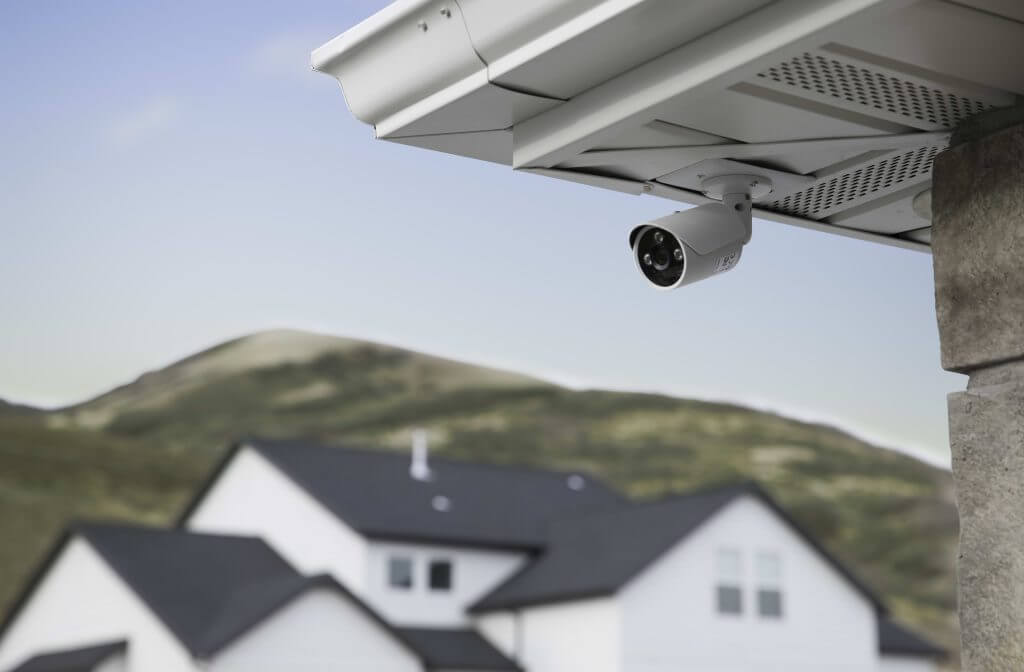
A Phoenix storefront may combine a bright exterior with a shaded entrance. At night, lighting changes again. Camera placement and supported exposure features need to be evaluated in both conditions, with someone moving through the intended capture area. A sharp picture of an empty scene is not enough.
Slow exposure can blur moving subjects in low light. Infrared illumination and available visible light also need a practical review at the installed location. Discuss reflections, direct sun, operating-temperature limits and mounting conditions for the exact product, then agree which daytime and nighttime views will be tested.
Size recording around retention and retrieval
Choose a retention target with the people responsible for your business policies before estimating storage. Camera count, recording hours, frame rate, resolution, compression and scene activity affect the amount of video generated. Storage should be sized for the agreed settings rather than a drive capacity alone.
Local recording, camera storage and supported cloud services have different network, subscription and maintenance requirements. Identify where recordings reside and how staff preserve a relevant clip before routine footage is overwritten. Ask for a demonstration of searching, exporting and playing an exported file on the intended workstation.
Give people the viewing rights they need
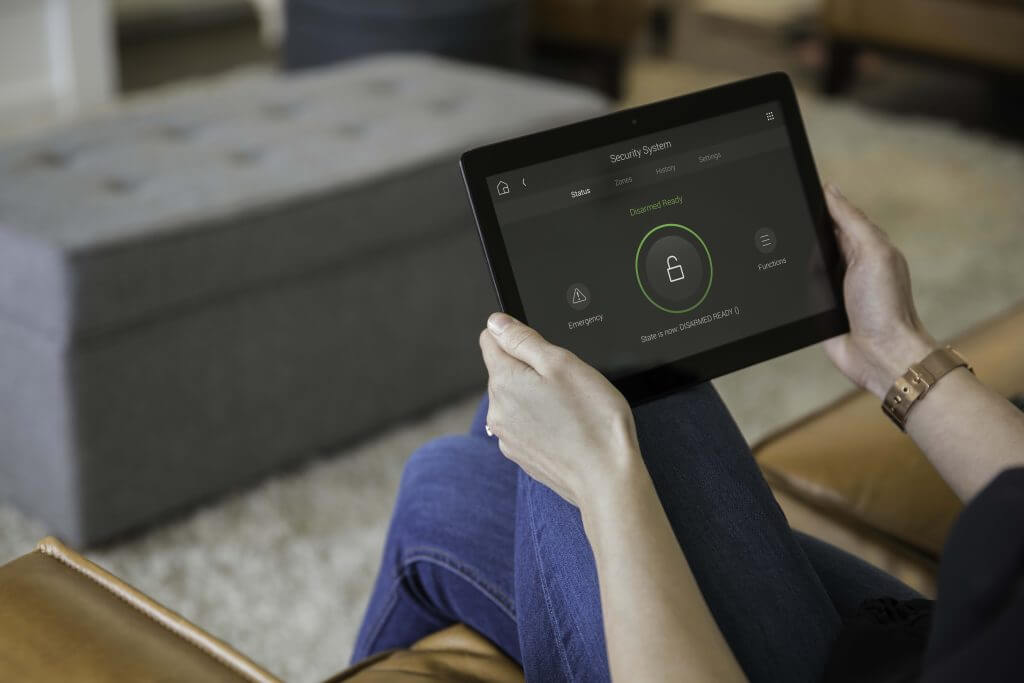
A manager who reviews an incident does not necessarily need permission to change camera settings. Define live-view, playback, export and administrator roles separately where the platform supports them. Decide who approves a new viewer and who removes access when responsibilities change.
Coordinate device credentials, encrypted connections, updates and remote access with your IT team. Where appropriate, review network separation and restrict direct device exposure. Privacy masking can help exclude specific areas on supported cameras; placement, recording policy and any audio capture should also receive your organization’s privacy review.
Coordinate cameras with doors and business networks
An access event can be more useful when staff can review the corresponding camera view. That relationship requires supported products and configuration; a shared network or familiar brand name does not establish every integration. Confirm the actual event, camera association and operator workflow in the scope.
The network plan should account for camera traffic, power delivery, switch capacity and cable routes. Public Wi-Fi and staff business applications have their own needs. Equipment compatibility should be checked by model and software version, including the specific features you intend to retain from an existing system.
Plan installation, acceptance and ongoing ownership
Use the installation plan to settle mounting approvals, working-at-height access, cable pathways and service access to recording equipment. Name the people who can approve a change in camera view or recording policy. For a phased upgrade, identify what remains operational during each stage.
Prove the agreed coverage
Review live and recorded views at the intended capture points. Include representative movement and lighting conditions, check timestamps and confirm that recordings are being stored with the agreed settings.
Practice the staff workflow
Have the designated users find and export a test event. Record account ownership, license renewals, update responsibilities and the service contact. Plan periodic view checks as landscaping, furniture and site use change.








Testimonials
What Our Customers
Say About Us
Commercial surveillance questions
How many cameras does my business need?
The number follows the required views, rather than floor area alone. Entrances may need detail views while a larger common area needs an overview. A site review should map capture objectives, distances and obstructions, then identify where one camera cannot reasonably perform both jobs.
Can existing commercial cameras be reused?
Possibly. Review model numbers, image performance, condition, software support and compatibility with the proposed recorder. Some existing cameras may provide basic video without every desired event or search feature. Reuse should preserve a useful function, with any limitations recorded in the proposal.
Will the cameras capture useful video at night?
That depends on the camera, placement, lighting and movement. Specify what must be visible at night and test that requirement at the intended location. Infrared or low-light specifications help select equipment, but they do not replace a review of recorded moving subjects.
How long should we retain recordings?
Set retention through your organization’s operational needs and applicable policies, with appropriate advice where required. There is no single period suitable for every business. The chosen target then informs storage design, recording settings and the procedure for preserving clips that need to remain available longer.
Can authorized staff view cameras remotely?
Supported remote viewing may be available with the right software, account permissions and internet connection. Identify which users need live view, playback or exports. Review the remote-access method with IT and specify any subscription, authentication and mobile-device requirements before relying on that workflow.
Can surveillance connect to access control?
Some systems associate door events with video or support other coordinated actions. Confirm the exact controller, recording platform and required functions. Define whether staff need automatic bookmarks, a linked view or a notification, then demonstrate that workflow during setup instead of assuming broad compatibility.
What affects the surveillance project cost?
Camera locations and required detail, lighting conditions, cable access, network power, recording capacity and viewing stations shape the scope. Licenses, cloud services and ongoing support may add recurring costs. Compare proposals against the same coverage objectives, retention target and handover requirements.
Use these questions to define coverage, operation and ownership before selecting cameras. Discuss your site with Audio Video by Design.
Phone Number
(480) 242-6459Office Address
30249 N. 124th Lane,
Peoria, AZ 85383
SEND US A MESSAGE


